
Samsung Galaxy Fit3 review
A cheaper alternative to the Galaxy Watch
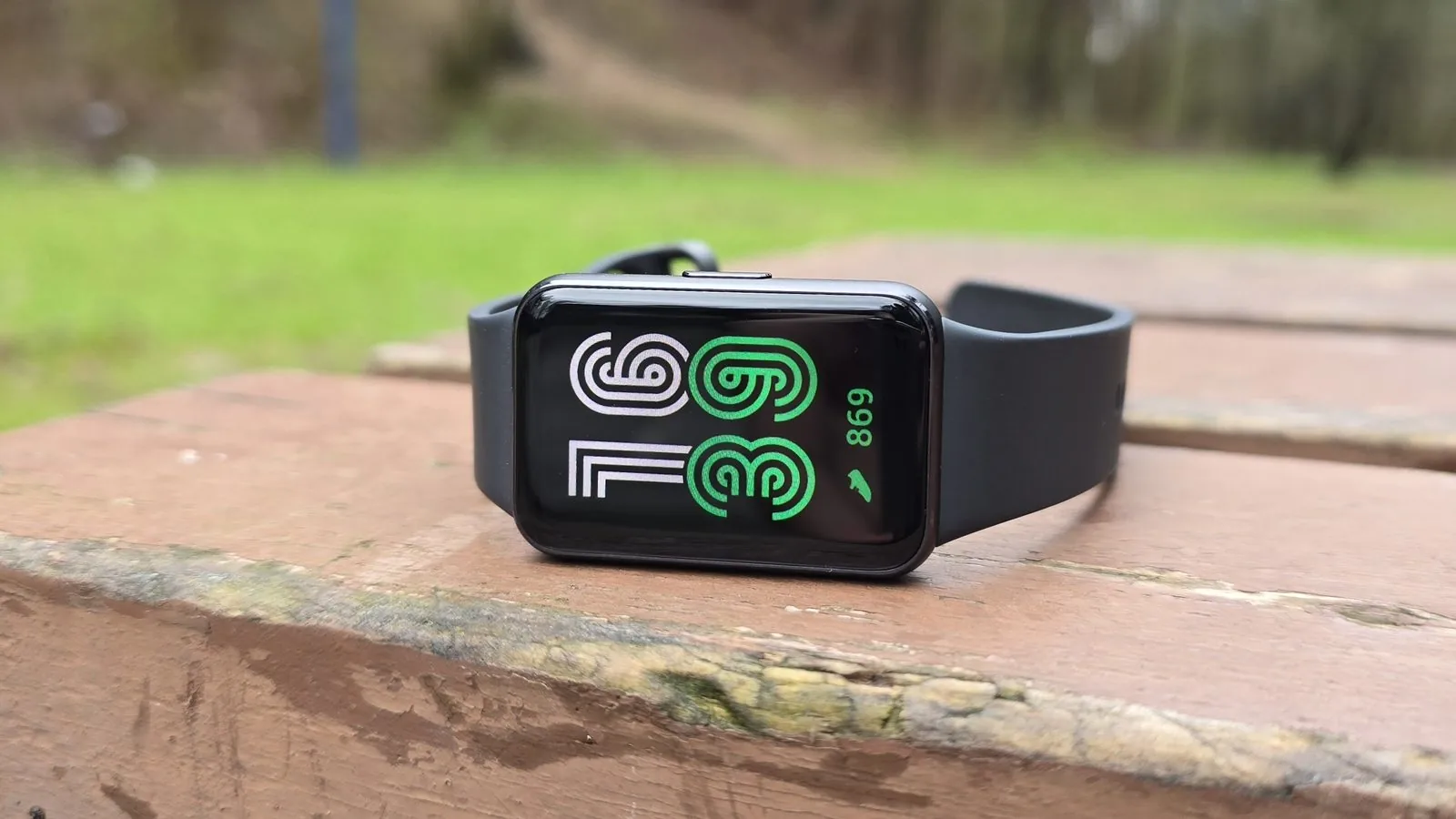
After my mid-terms and everything else, I’ve finally sat down to write a review of the Galaxy Fit3 fitness band. This time it’s my turn to share my impressions and take a brief look at this band.
The Galaxy Fit3 appeared on shop shelves quite recently, at the end of February. It replaces the Galaxy Fit2, which debuted four years earlier. I’ve been a Galaxy Watch user for a similar stretch of time. My first smartwatch was the Galaxy Watch Active2, then the Galaxy Watch4, and for the past few months a Galaxy Watch6 has been sitting on my wrist. The watch rarely leaves it, and without one I feel like I’ve left part of myself behind. 😁 So in this review I’ll share my thoughts on this band. Let’s begin!
Design
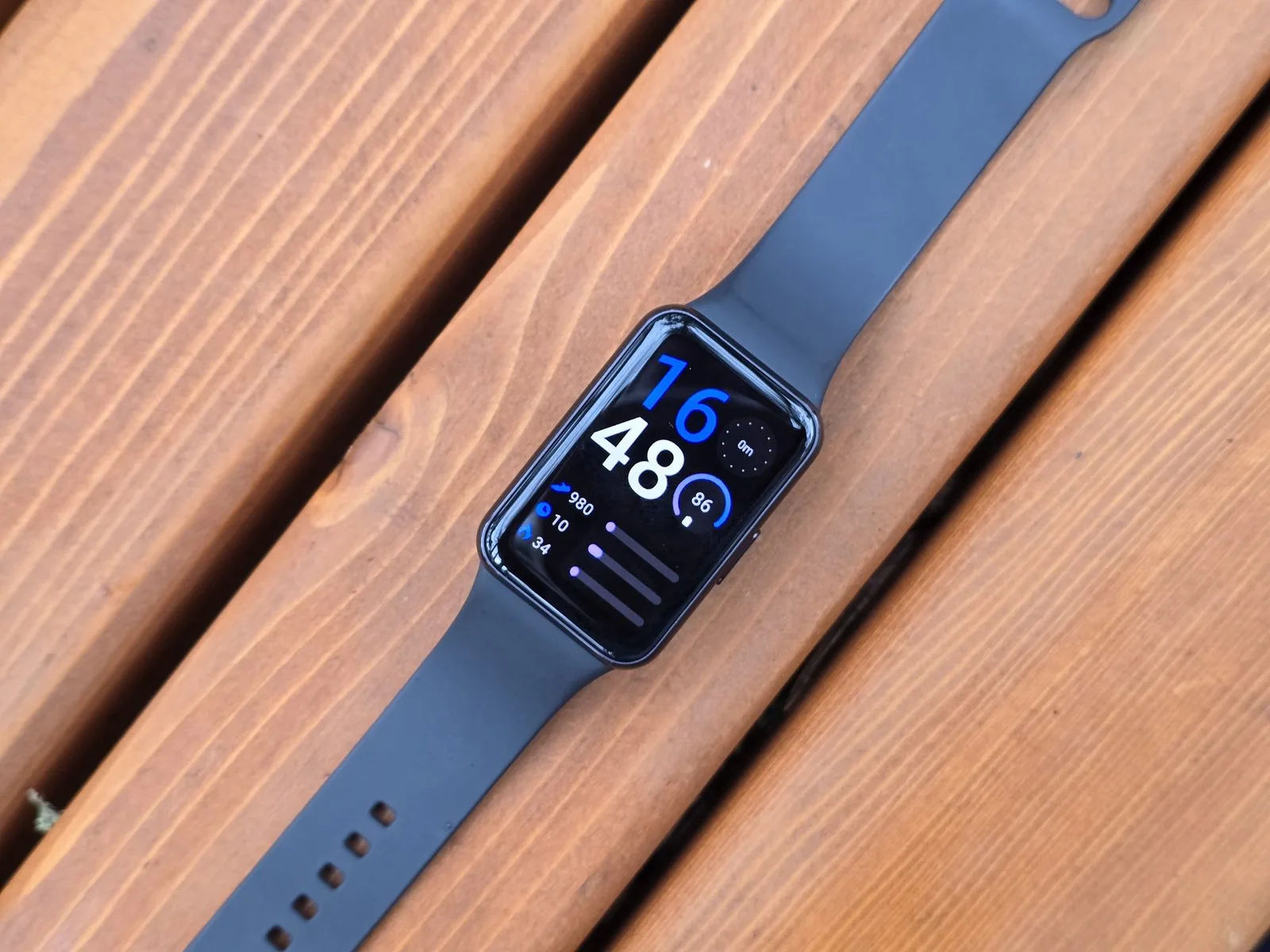
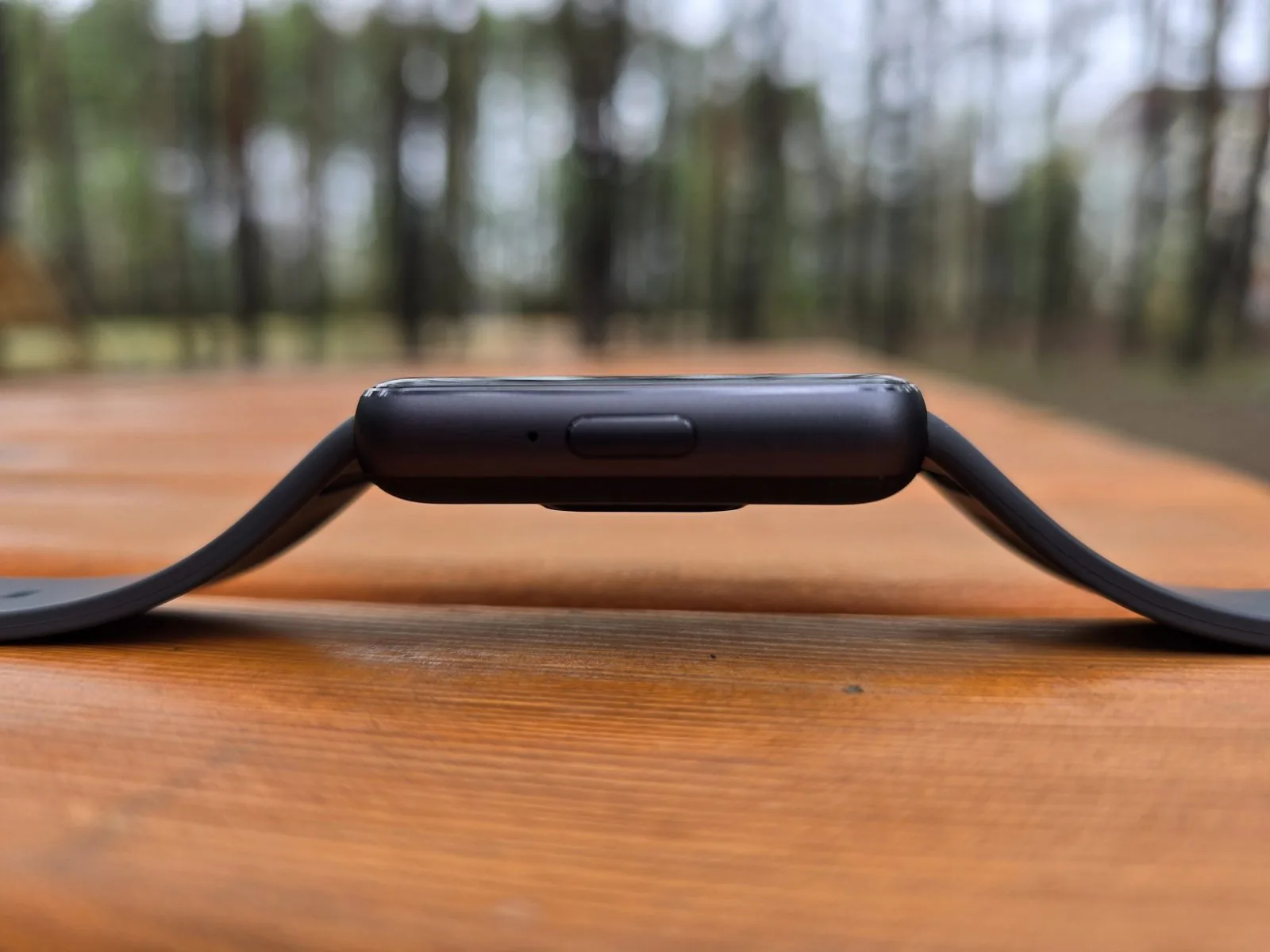 The Galaxy Fit3 pleasantly surprised me with its quality. The body is aluminium, the screen has gently curved edges, and it's thin, small and — most importantly — light. Hmm... at first glance the design reminded me of an Apple Watch. It isn't 100% inspiration, since the band's shape is elongated and there's only one button on the side, but Samsung could have come up with something more original. There's a positive way to look at this design decision: people around you will think you're wearing a more expensive watch. 😉
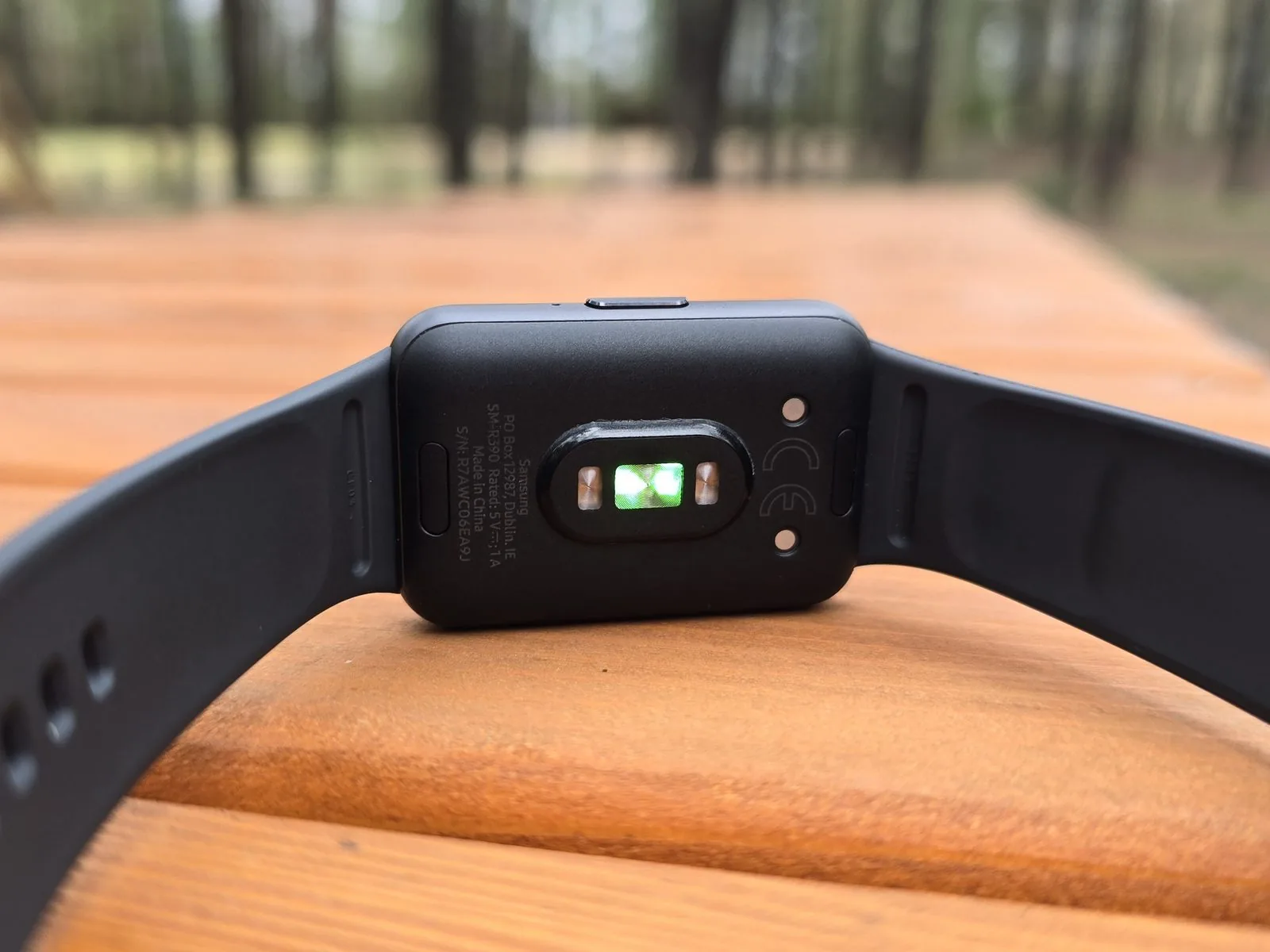 On the back of the band you'll find the main measurement sensor, two charging contacts and two mysterious buttons — these let you easily remove the strap and swap it for another. The strap resembles the one used on the Galaxy Watch, with the same fastening principle. The only differences are that the Galaxy Fit3 strap is narrower and attaches to the device differently.
Display
The Galaxy Fit3 has a 1.6-inch AMOLED display. That’s 0.1 inches larger diagonally than the biggest Galaxy Watch6 44mm, but the screen area is considerably smaller. The asymmetric bezels are disappointing — the bottom one is noticeably thicker than the rest. It raises the question: is making the bezels an even thickness really so expensive, or is this just marketing, trying to steer potential Galaxy Watch buyers away from this band? 🤔 We see the same bezel problem with Galaxy A series phones, but never mind, I won’t dwell on it.
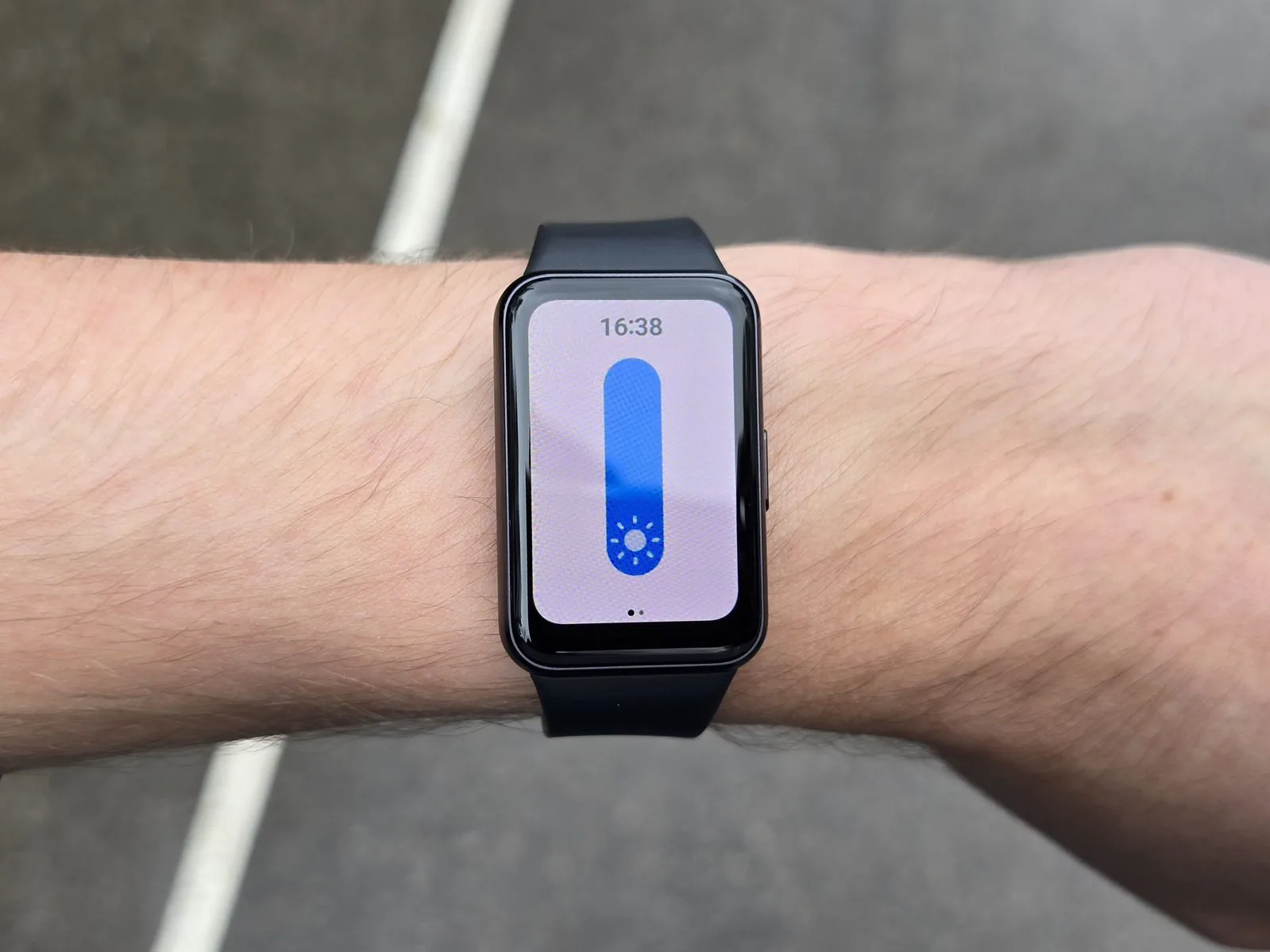 The display is colour and reasonably bright even against the sun, but low resolution. Visible individual pixels irritated me a great deal, especially on lighter backgrounds, so I usually chose black watch faces. Like others, I was also bothered by the monochrome Always On Display (AOD). I don't know — at least for me, I want those colours that go nicely with what I'm wearing.
But there’s not much to complain about: the screen is large and information is clearly visible. I’d just mention the insensitivity again, which is occasionally annoying, especially when you want to skip a track or stop a workout. It’s very strange that waking the Galaxy Fit3 by touching the screen is disabled by the manufacturer — you can turn it on in the settings.
Advertisement
Health tracking features
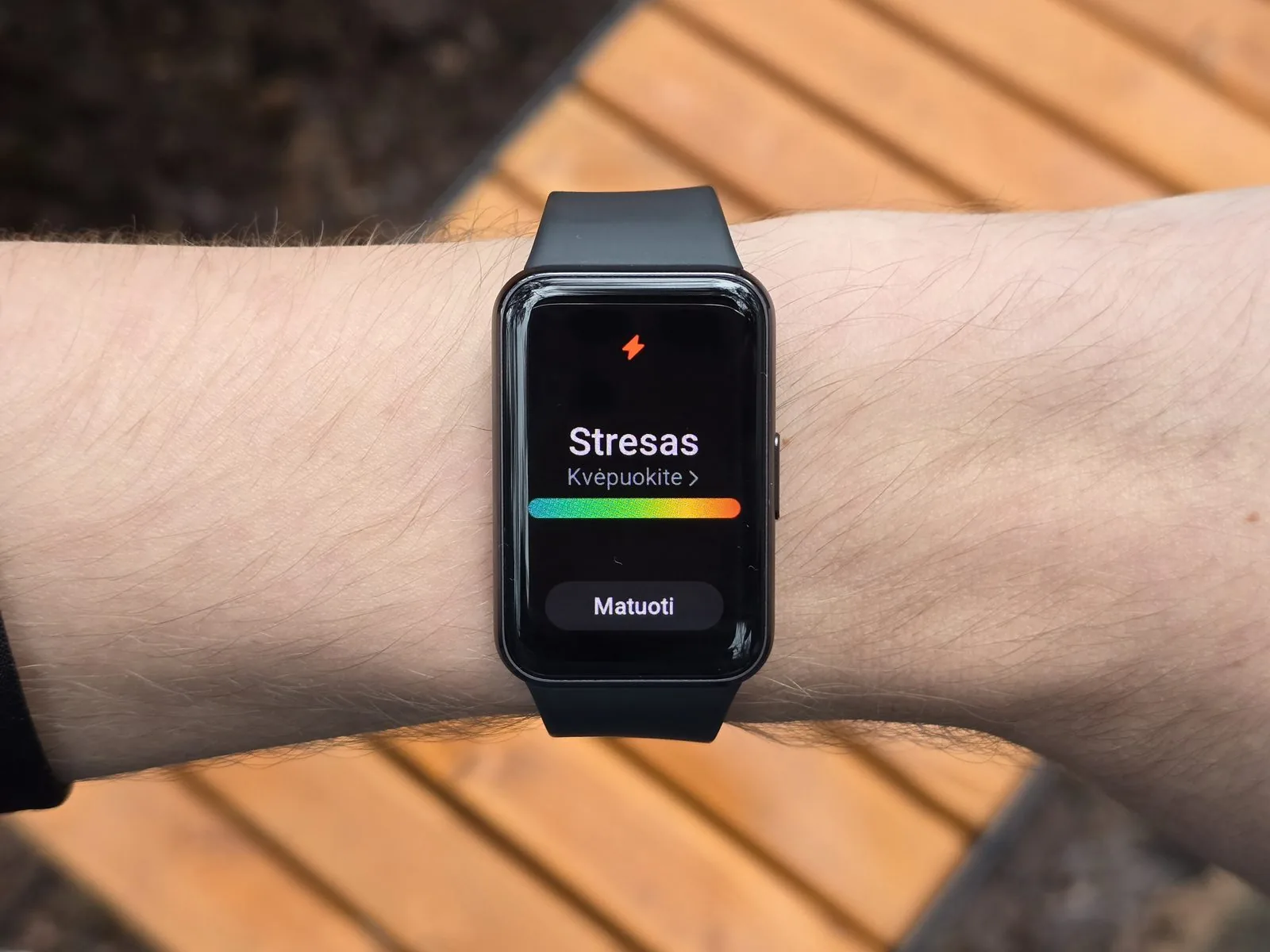 The Galaxy Fit3 has a built-in optical heart rate sensor. It measures heart rate, stress and blood oxygen levels. That's a considerably simpler sensor than the BioActive one in the Galaxy Watch6, which measures blood pressure and takes an electrocardiogram. The Galaxy Fit3 also doesn't measure body composition. I can confirm the Galaxy Fit3 measures heart rate fairly accurately — at least I noticed no large deviations.
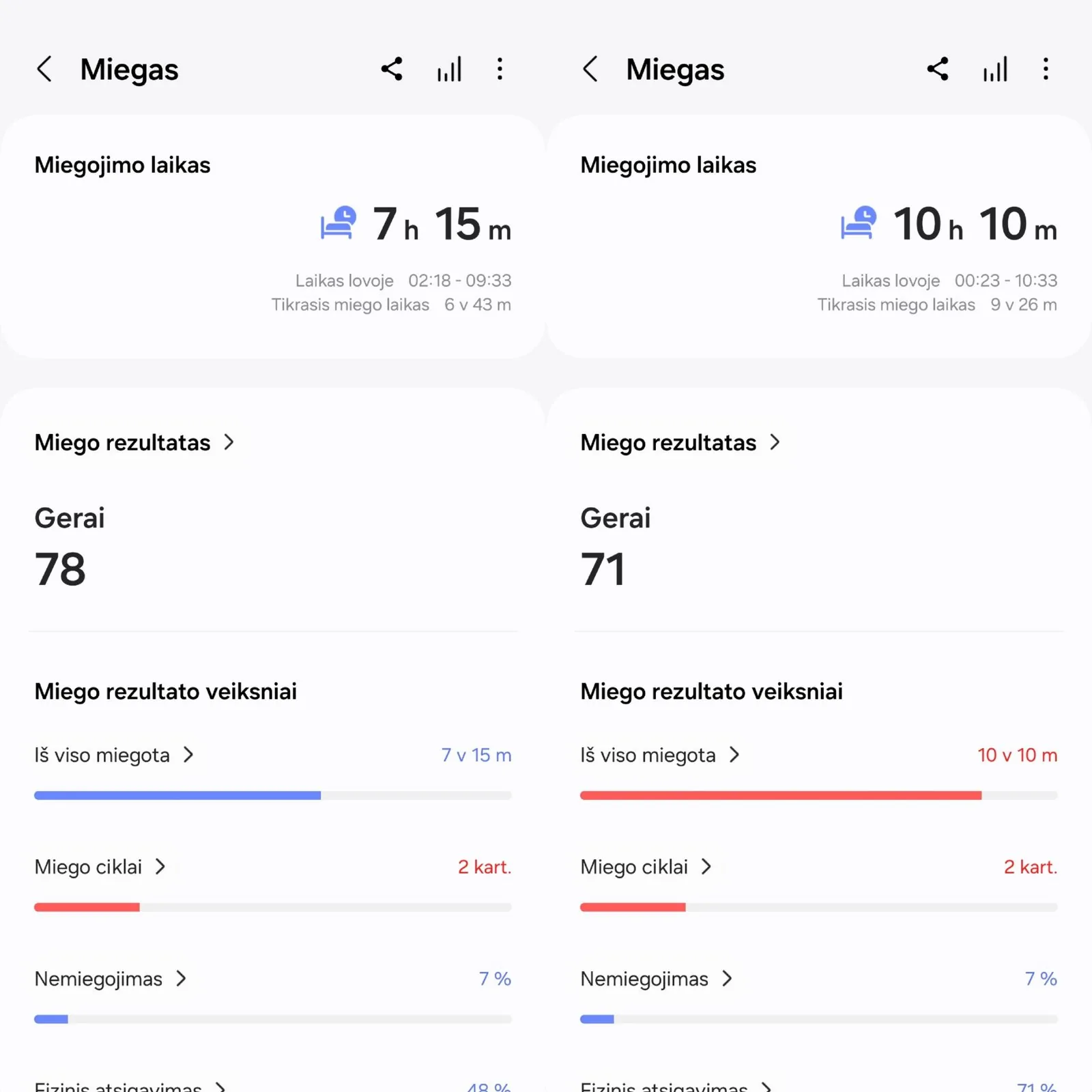 On sleep tracking I have some reservations, because the Galaxy Fit3 tracks sleep poorly. I tried sleeping with the band for three nights. Somehow it never managed to record more than two sleep cycles, and in the morning you absolutely must turn off sleep mode, otherwise the band will think you're still asleep.
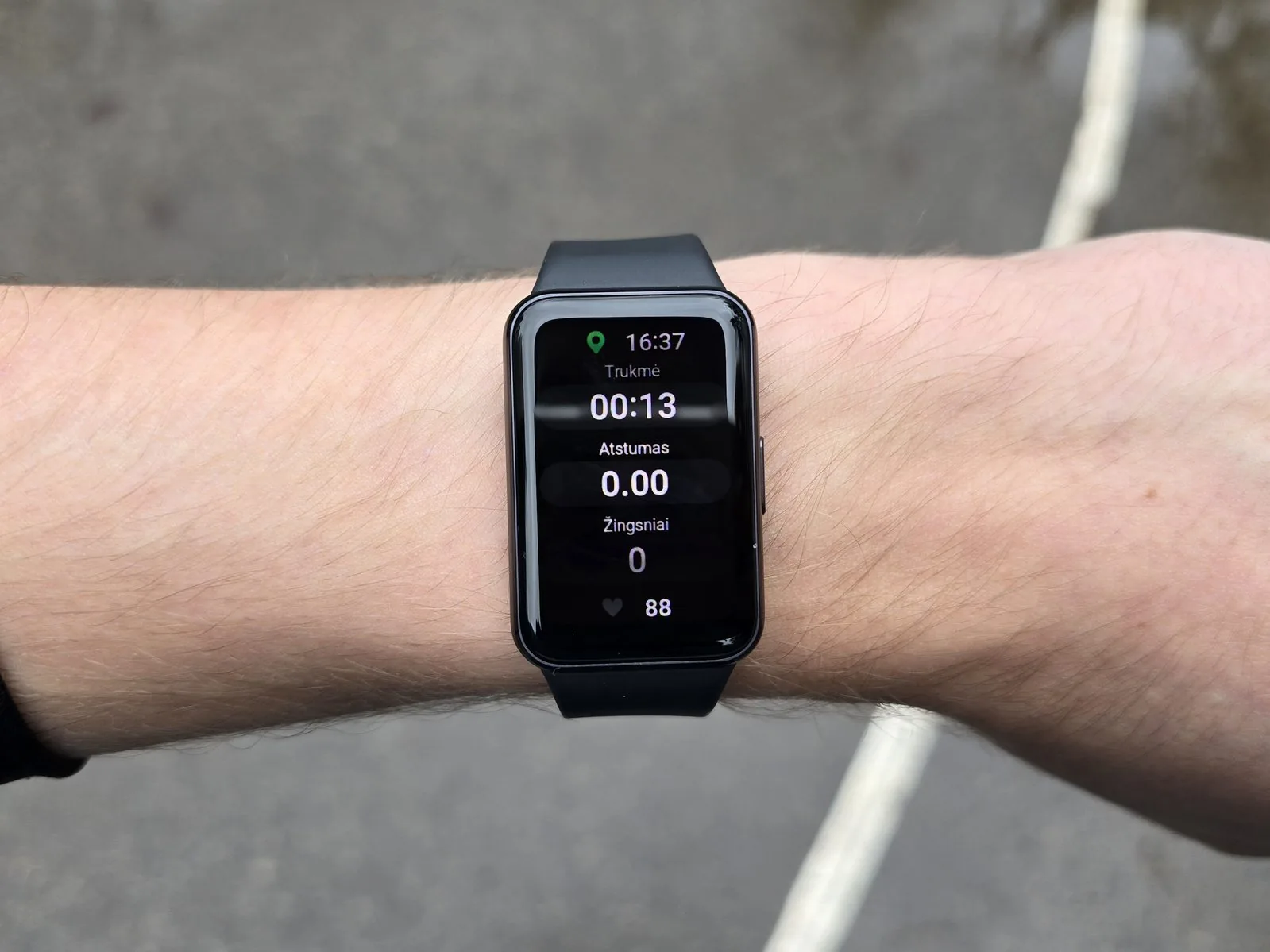 The Galaxy Fit3 offers more than 100 different workout programmes. There's a very good chance you'll find your favourite sport. The band also carries 5ATM and IP68 ratings for water and dust, so you can swim freely or take part in other water activities, apart from diving. Walking, running and cycling workouts are built in, though it's worth emphasising that the Galaxy Fit3 has no GPS receiver, so for more accurate results you'll always need your phone nearby.
Fall detection, I hope, works well, but the device absolutely must be connected to your phone at the moment of the accident. After a hard fall the Galaxy Fit3 will call the emergency services and notify your closest contacts.
Performance
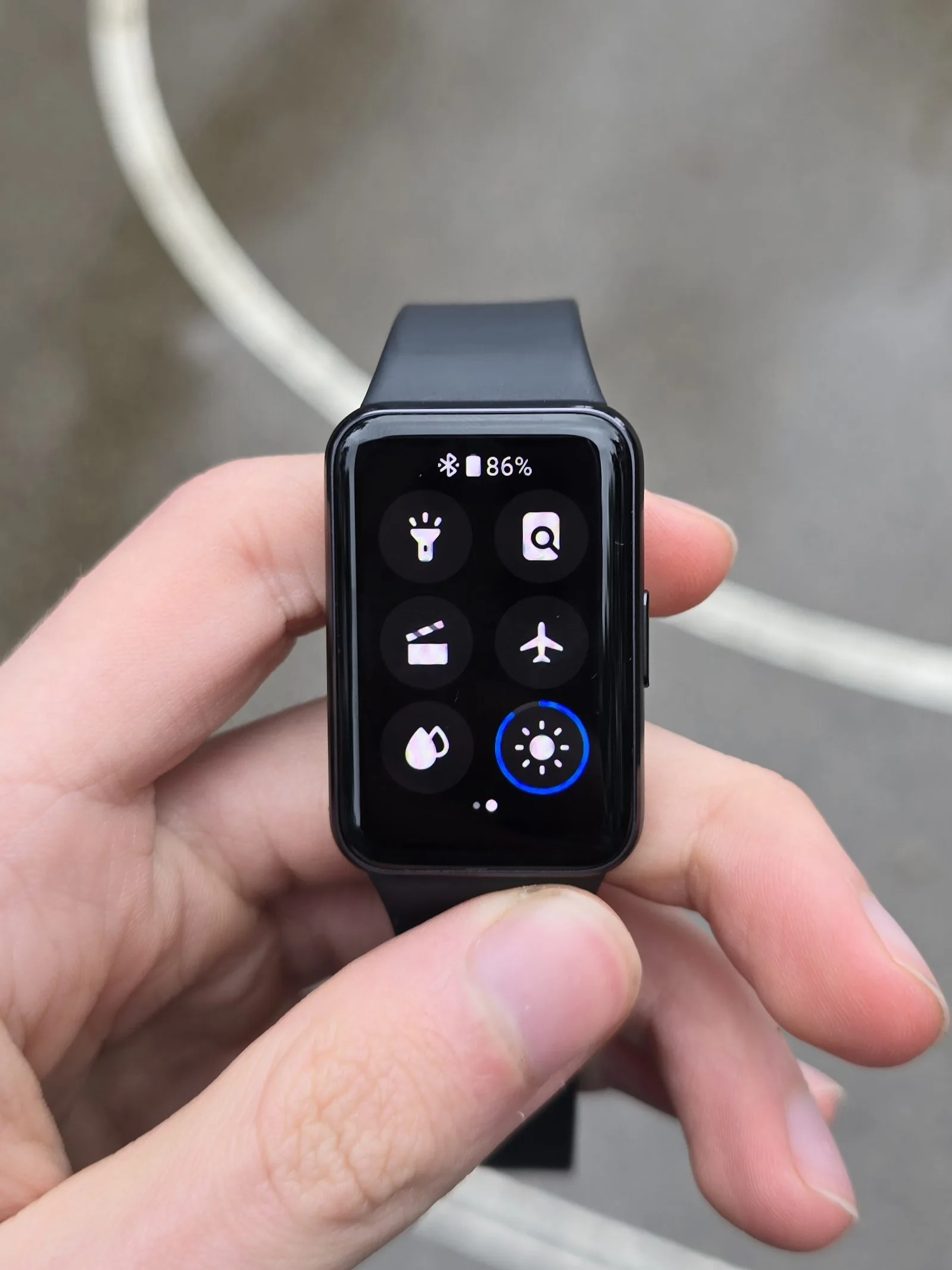 The Galaxy Fit3 runs an operating system built specifically for this band. It's worth noting the band doesn't run Wear OS, so third-party apps can't be downloaded. The interface strongly resembles the One UI Watch used on the Galaxy Watch, keeping all the main details.
The controls are similar to the Galaxy Watch, and that’s very good, because I didn’t need to relearn how to operate this band. Swiping down shows the quick panel, up shows the apps, left the notifications and right the widgets. The choice of widgets is broad, as on Galaxy Watch models. Moving between widgets isn’t very convenient, though, since you have to swipe several times to find the one you want. The band has no rotating physical or touch-sensitive bezel like the Galaxy Watch.
Additional features
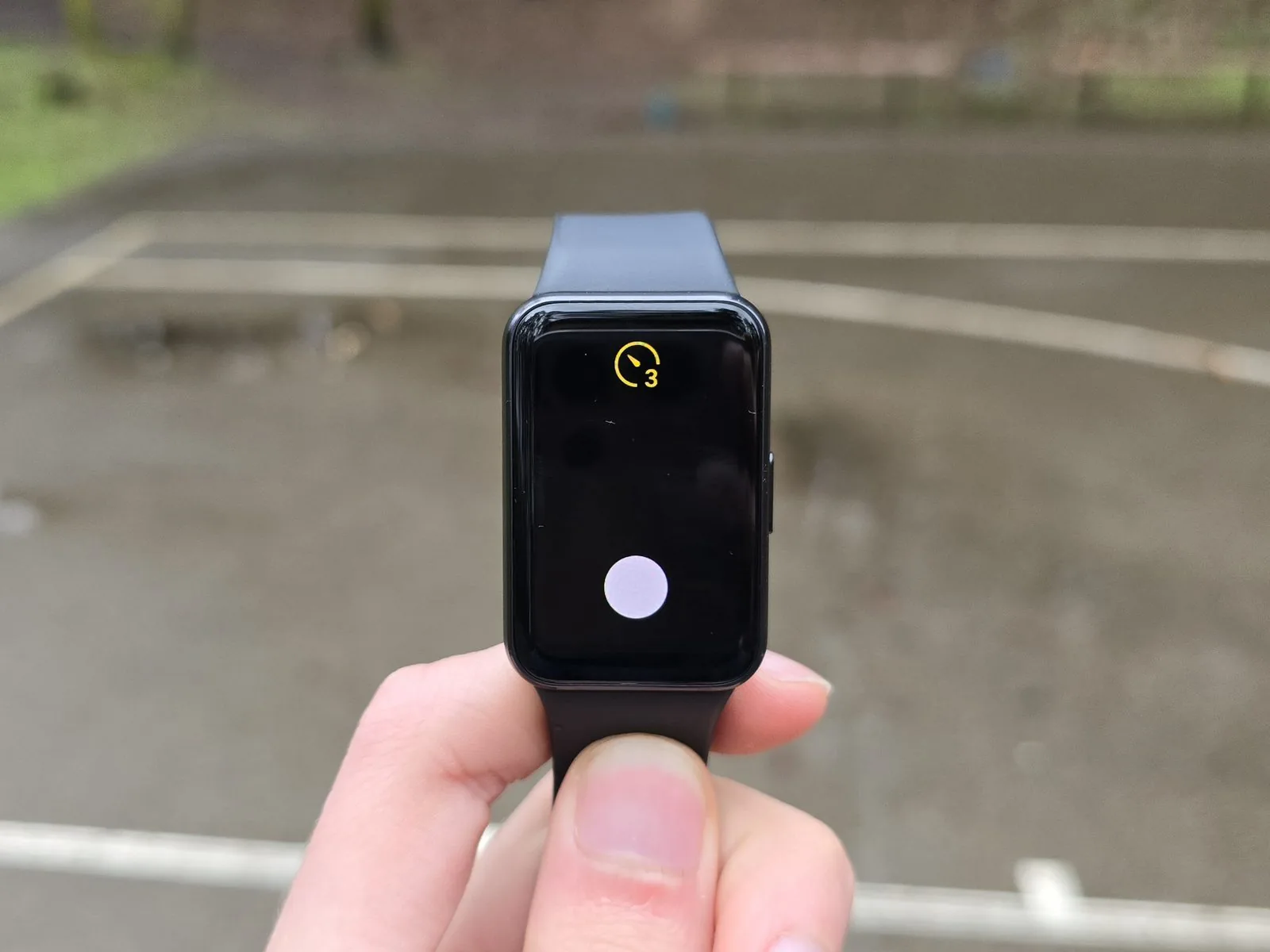
The Galaxy Fit3 has several features that Galaxy Watch models also have. First, the Camera controller, though this works somewhat differently from the Galaxy Watch — the band doesn't show a camera preview.
Media controls let you easily control what’s playing on your phone. The Galaxy Fit3 has no Spotify app installed, so this is the only way to control music.
Quick replies are a simple way to answer messages. Pre-written texts let you reply briefly — "Yes", "No", "OK", "Great" and so on.
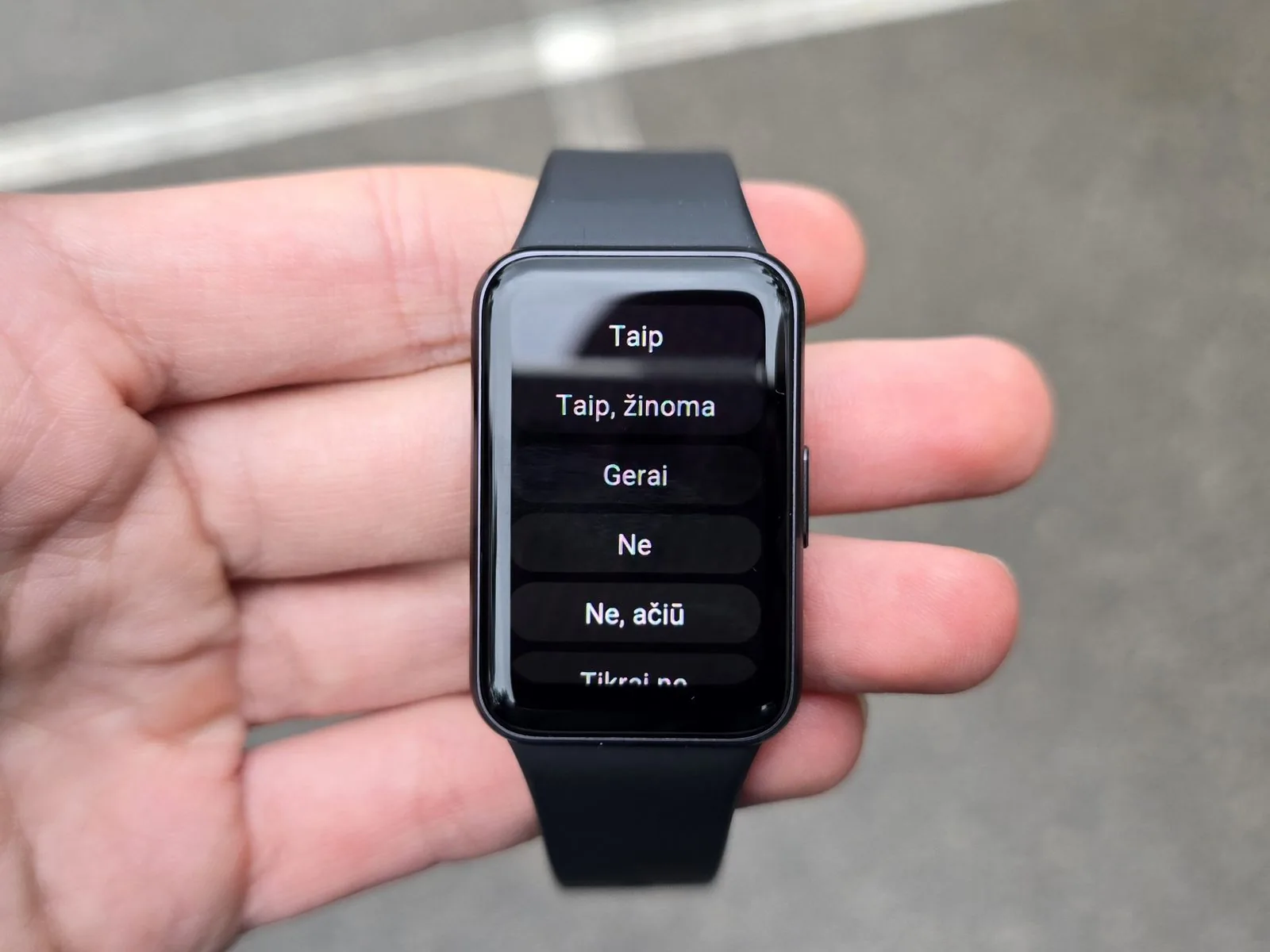
Find my phone quickly locates your phone when you need it most. The band must be connected to the phone at the time.
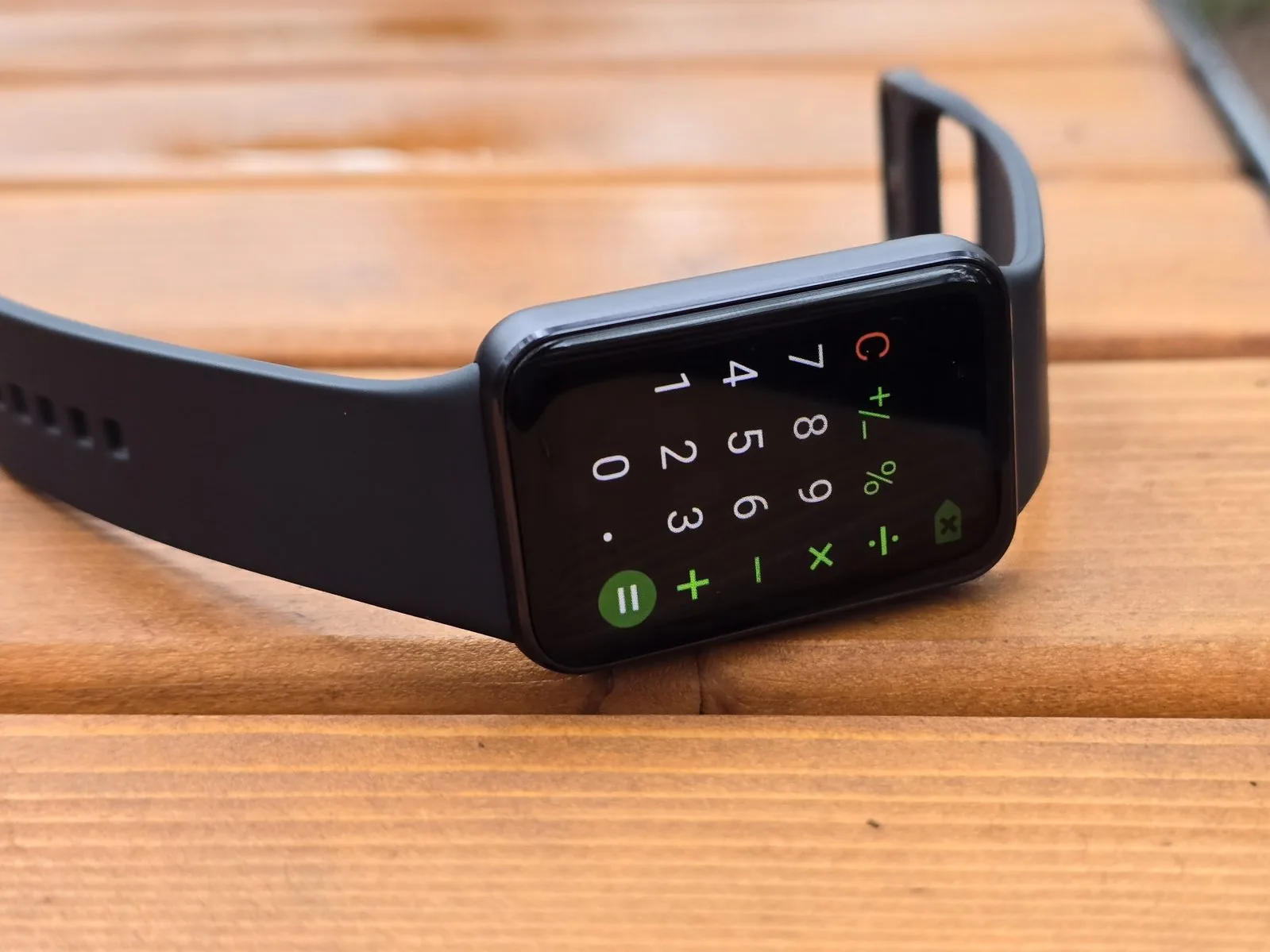
The Calculator comes in handy for quick sums. There's a full number keypad, though the mediocre screen sensitivity can cause problems entering digits.
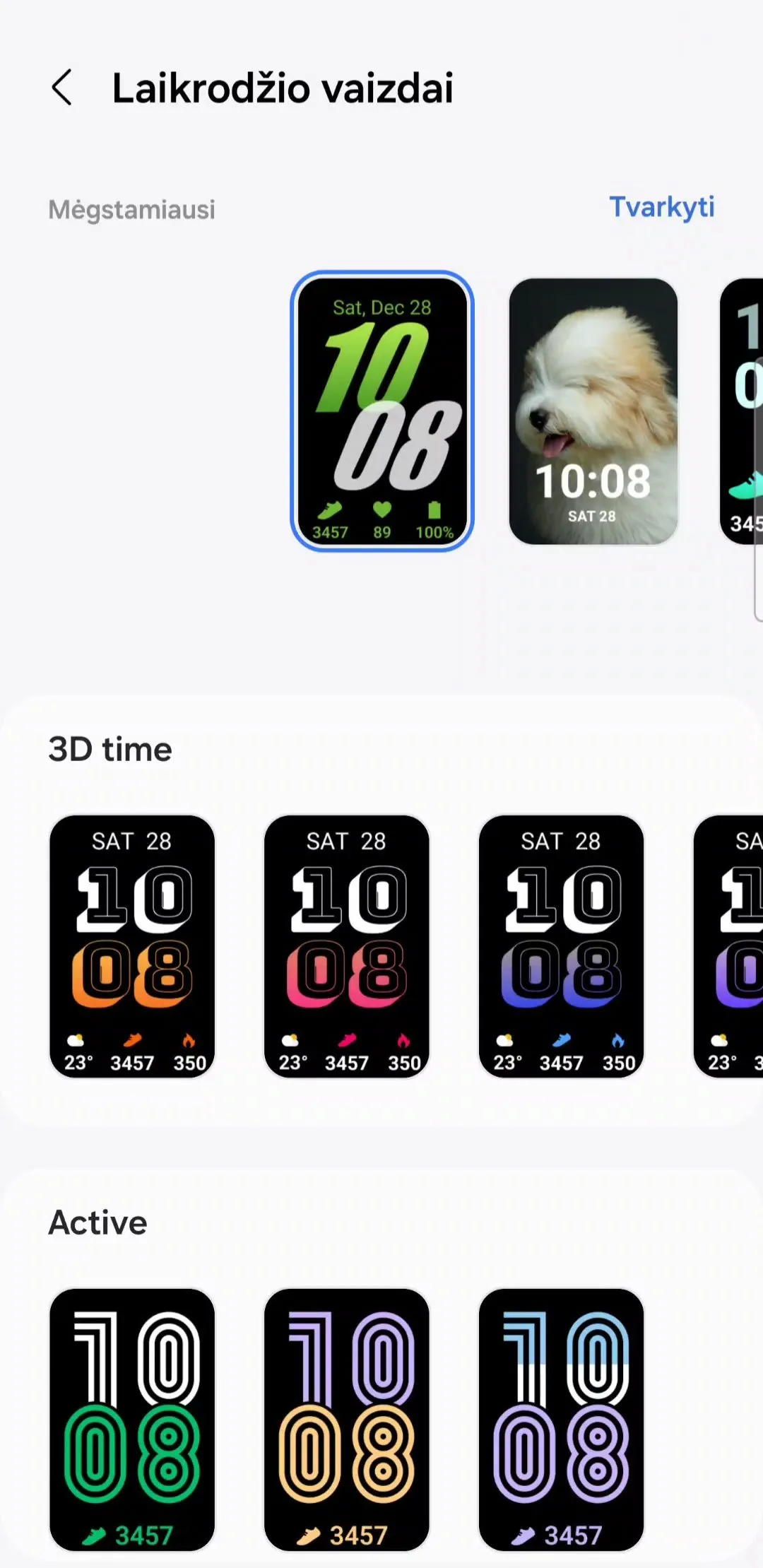
Watch faces. Samsung claims there are more than 100. The choice really is broad, but face editing and interactivity are missing, and the band can only store 10 favourites.
Battery life
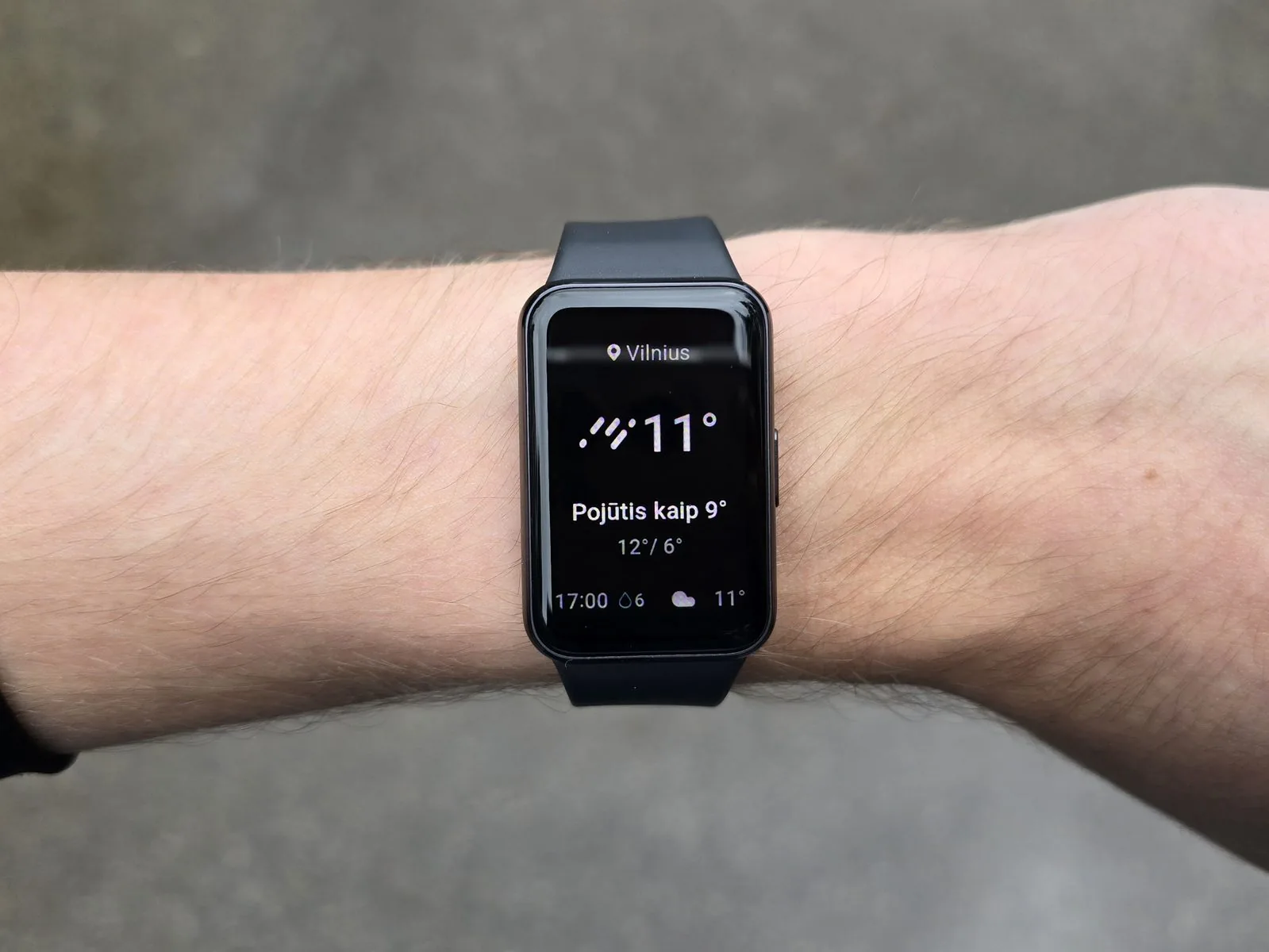 I couldn't reach the promised 13 days of battery life. But I'm pleased to say the Galaxy Fit3 lasted me about seven days. That's far more than the Galaxy Watch, which usually manages up to two. Charging takes about an hour, using a dedicated charger. That's a small drawback, since the band doesn't charge wirelessly and you'll always need to remember that charger.
Verdict: pros and cons
| Pros | Cons |
|---|---|
|
|
I’d recommend the Galaxy Fit3 to people who want to try a device in this segment without investing much. It’s especially suited to beginners, or to anyone wanting to start tracking their results. The Galaxy Fit3 will suit children well, since they often aren’t careful with devices and the lower price won’t hit the wallet as hard.
That said, for people who want to monitor their health more closely I’d recommend the Galaxy Watch4 or Galaxy Watch5. Those go for around €100 in the classifieds, and paying more gets you a higher-class health tracking device. You’ll just have to charge the watch every other day.
Read next
 9 January 2022
Samsung Galaxy Watch4 review
A big leap or just marketing? | 2 weeks of use
 11 September 2026
Samsung unveils the Galaxy S26 FE – a Galaxy S for the fans
Prices in Lithuania, a 6.7-inch screen and seven years of updates
 10 September 2026
What Apple announced, and what it costs in Lithuania
iPhone Duo, iPhone 18 Pro, AirPods 5 and Apple Watch
Advertisement