
Samsung Galaxy Tab S7+ review
A tablet instead of a laptop? | 2 weeks of use
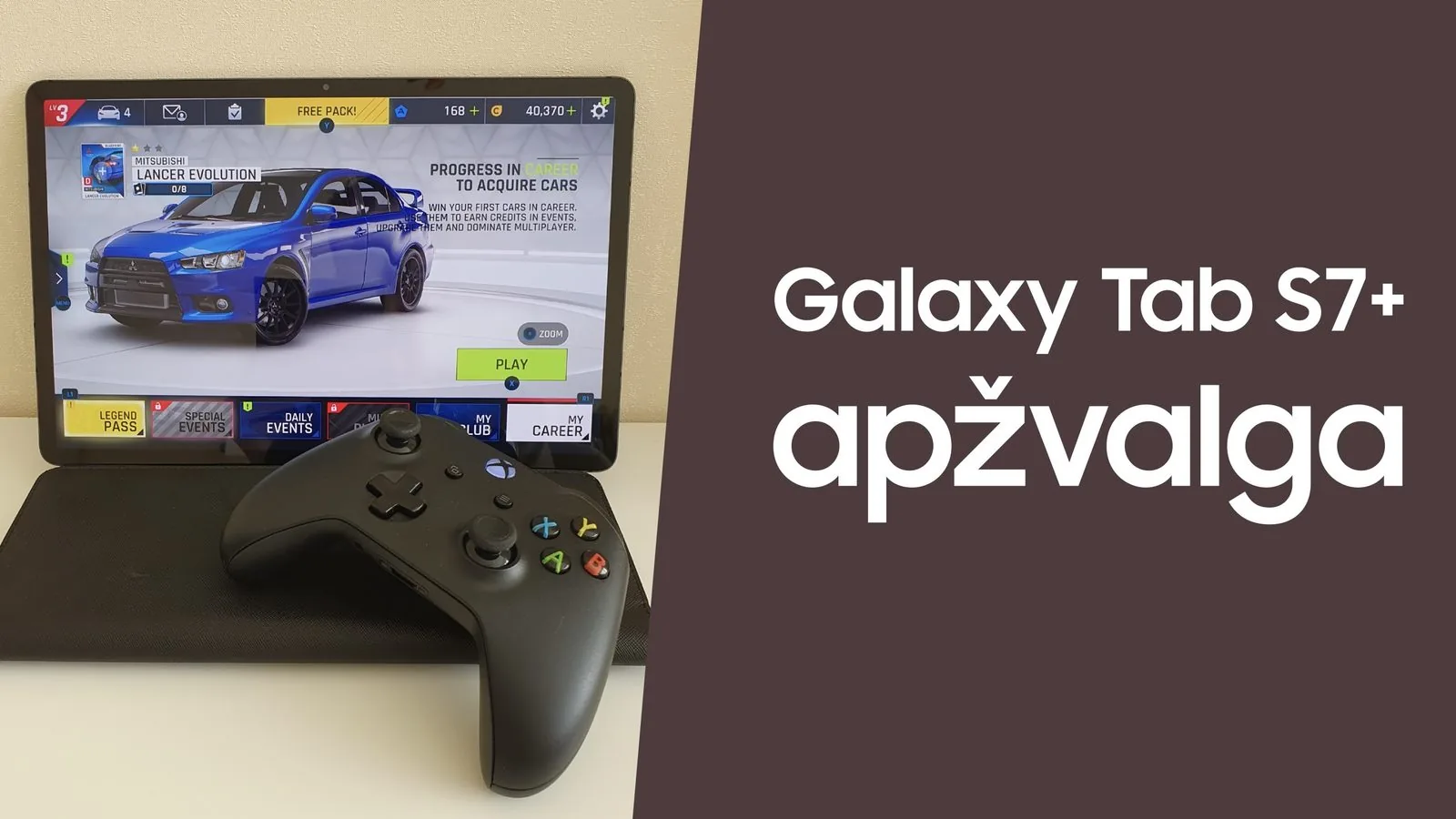
Today, on the symbolic day of Galaxy Unpacked 2021, I’ve decided to publish my review of the Galaxy Tab S7+ tablet. Let’s begin!
For two weeks I had the chance to test the Galaxy Tab S7+, released a year ago at Galaxy Unpacked 2020 and otherwise known as the king of Android tablets. Samsung won’t be introducing a new Galaxy Tab today; the new successors will most likely arrive in January at Galaxy Unpacked 2022. In this review I’ll cover the tablet’s main qualities and my observations, and answer the questions: can a tablet replace a laptop, and which is better to buy?
What’s in the box
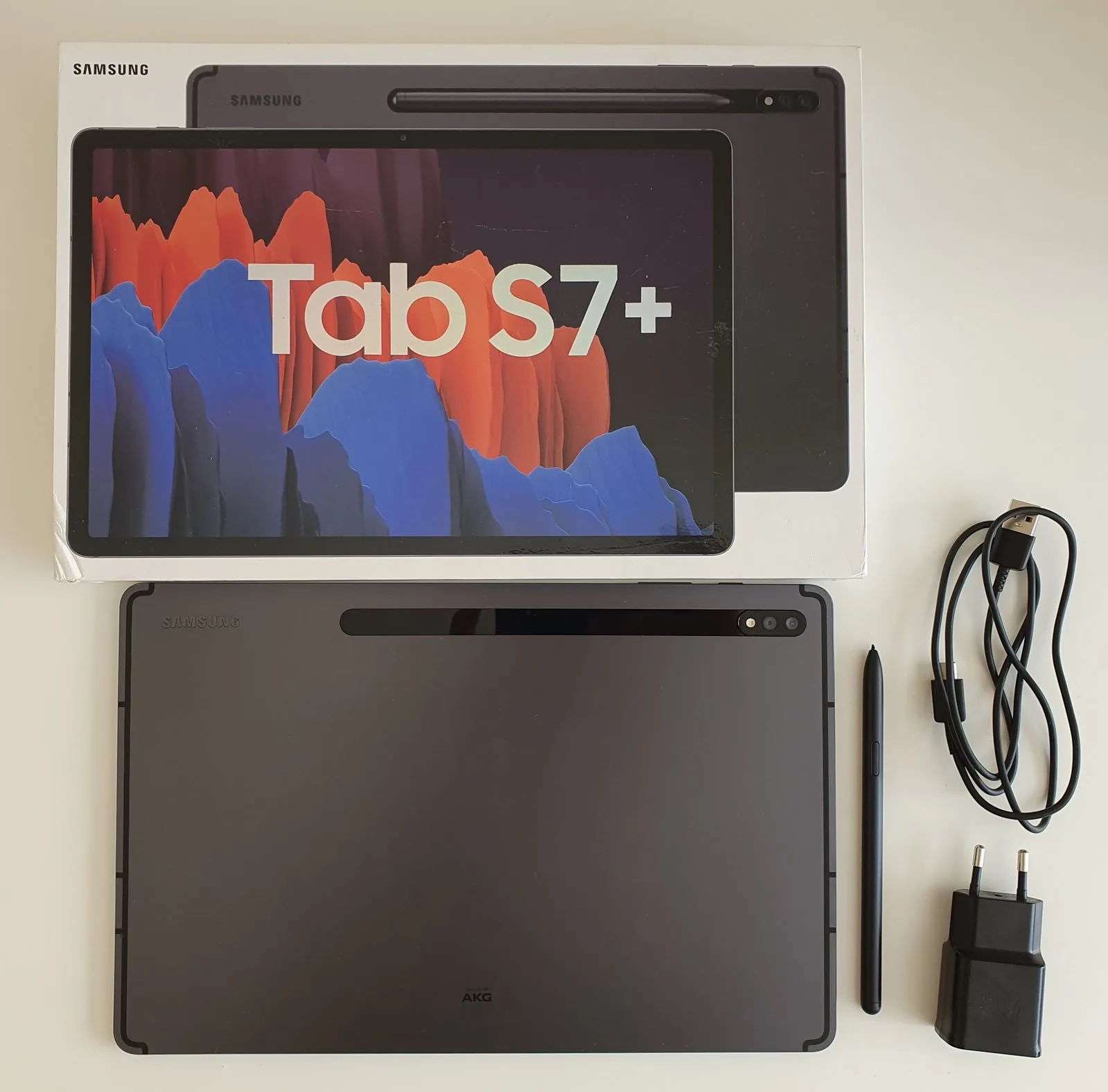
Opening the box, you’re greeted straight away by the 12.4-inch Mystic Black Galaxy Tab S7+. I also found an S Pen, a 15 W charger, a USB cable, an SD card ejector tool and a user guide. More on the accessories shortly.
First impressions
Picking up the Galaxy Tab S7+, you feel its size immediately — a full 12.4 inches (nearly an A4 sheet), yet light at 575 grams. The body is covered in soft Mystic Black aluminium that’s also a fingerprint magnet. The Galaxy Tab S7+ does look very similar to its competitor, the iPad Pro from the Apple camp, but the device stands out with its straight brushed-aluminium edges, just 5.7 mm wide. The tablet is very thin — thinner than most smartphones. In short, it feels like holding a genuinely premium tablet.
Display
I’ll start with the Galaxy Tab S7+’s strongest feature: a 12.4-inch Super AMOLED WQXGA+ (2800 × 1752) display. It really is incredible. Games and videos are so smooth, bright and detailed, and the 120 Hz refresh rate adds to that. A bezel just 10 mm thick surrounds the screen, and there’s really no need to make it thinner, since the device is already hard to hold. Perhaps the only oddity is the 16:10 aspect ratio — watching videos leaves thicker “bars” at the top and bottom. The display also has HDR10+, the NTSC colour gamut and Eye Care certification, so your eyes tire less and you fall asleep more easily. There’s also a fast, accurate optical fingerprint reader under the display. The screen is so stunning you don’t even want to go back to working on a laptop.
Sound
The Galaxy Tab S7+ has four very loud AKG stereo speakers supporting Dolby Atmos. I think the sound is another of this tablet’s strengths. Listening to music I felt like I was at a concert, and watching films like I was at the cinema. The sound is powerful but also clean and high quality. Samsung has made an effort to please its users’ ears.
Battery
The Galaxy Tab S7+ fits a 10,090 mAh battery into its slim body. The device supports 45 W fast charging, but the box contains only the standard 15 W charger. A 45 W charger costs nearly €50 at samsung.lt. With the 15 W charger the tablet charged fully in three hours.
Under heavy use the Galaxy Tab S7+ lasted about six hours, and using word processing, email and browsers it managed a full working day — around 9–10 hours. Genuinely excellent results, given my laptop’s battery lasts about 4–5 hours.
I also noticed an interesting detail in the tablet’s battery settings: a “Protect battery” feature that limits maximum charge to 85%.
The S Pen
The Galaxy Tab S7+ stands out from all other tablets with its smart S Pen. The S Pen looks like a real pen of normal size, with one side button and a replaceable tip. I was disappointed that Samsung didn’t include spare tips with the tablet this year. Break or otherwise damage the tip and you’ll have to contact Samsung service.
The S Pen has one flat edge, making it easier to attach and charge on the back of the tablet.
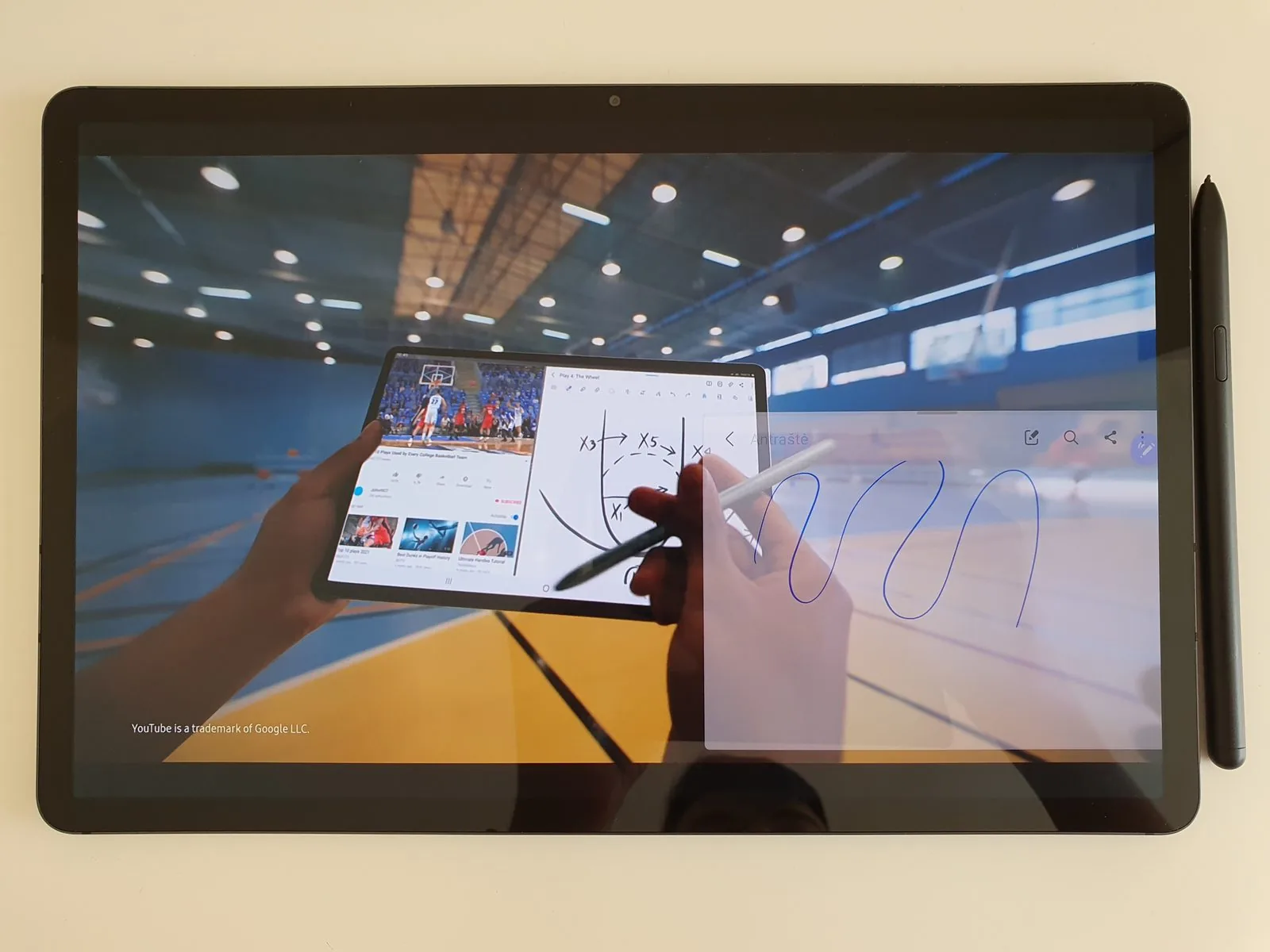
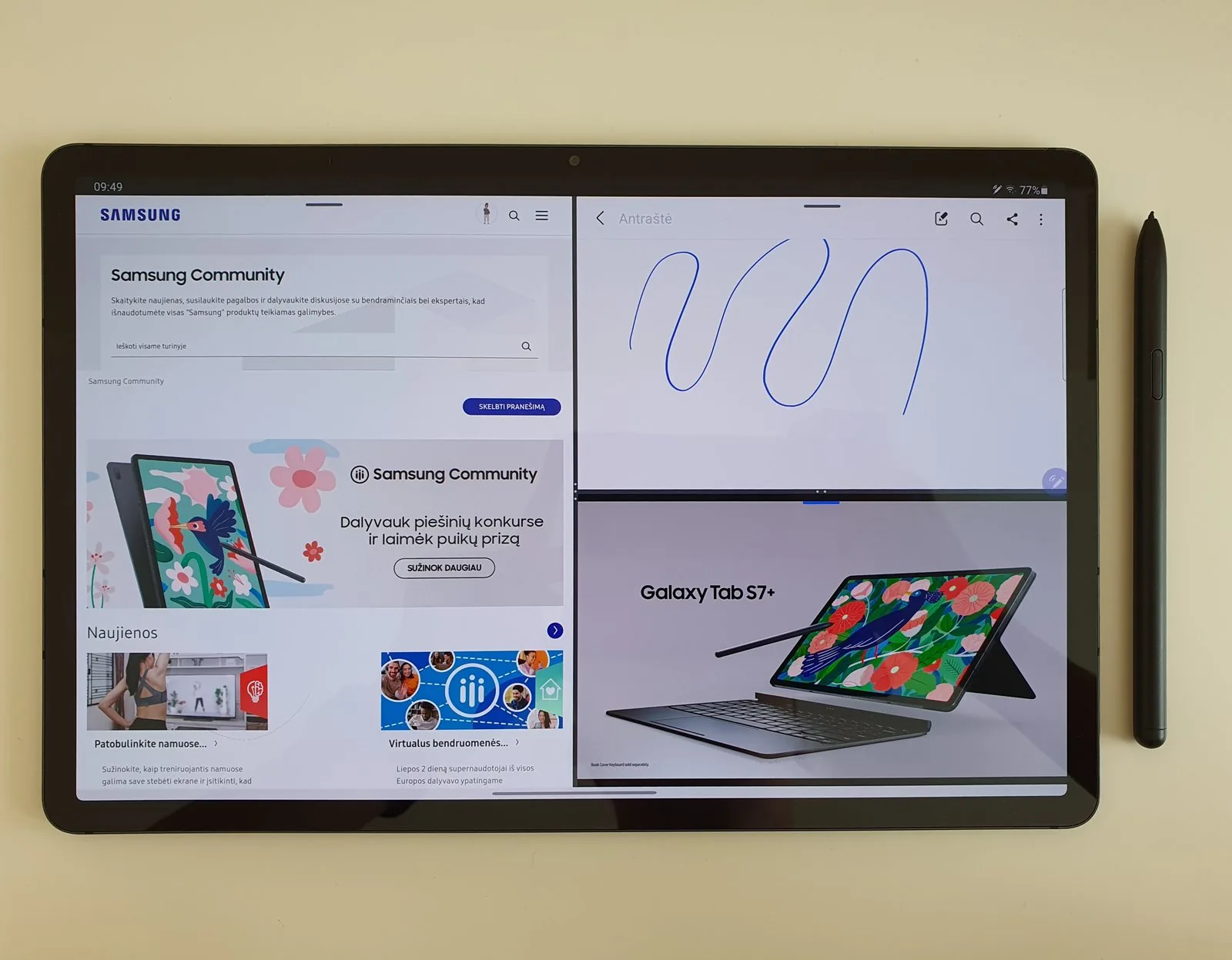
The S Pen has a great many features, from ordinary writing and drawing on screen to magic gestures in mid-air. I’d mention that the S Pen has very low 9 ms latency, so writing on screen feels natural.
It’s very convenient to write and watch videos at the same time — genuinely useful for remote work, when you need to note something down or take notes. The S Pen also makes it easy to hit small buttons in apps.
Advertisement
Work, processor and memory
The Galaxy Tab S7+’s brain is last year’s most advanced processor, the Snapdragon 865+. I received the 8 GB RAM and 256 GB storage model. Below you can see the GeekBench results — the Galaxy Tab S7+ falls short of the Apple iPad Pro (2020).
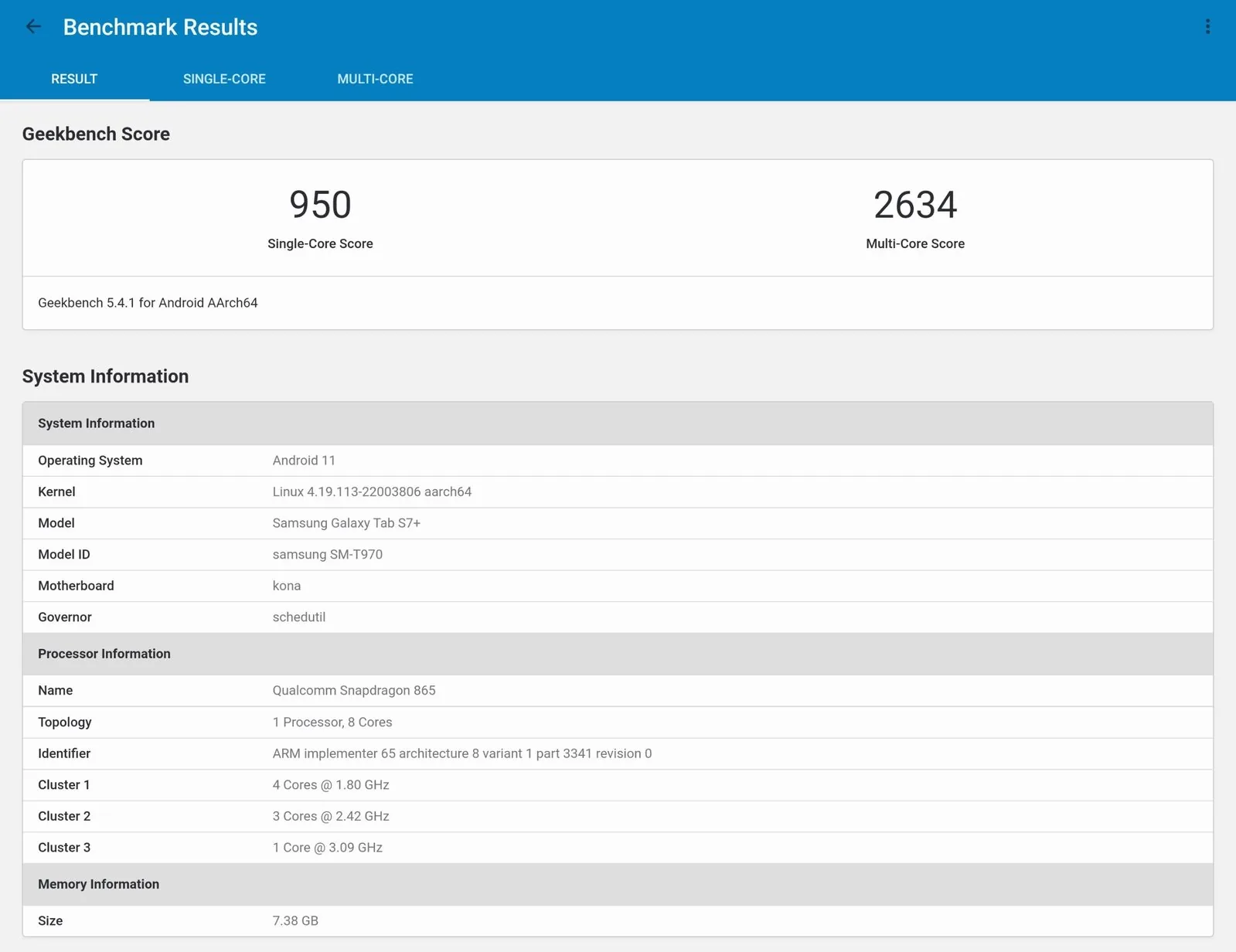
The tablet may not have the most powerful processor on the market, but it handles everyday tasks superbly, and doing many things at once is very convenient.
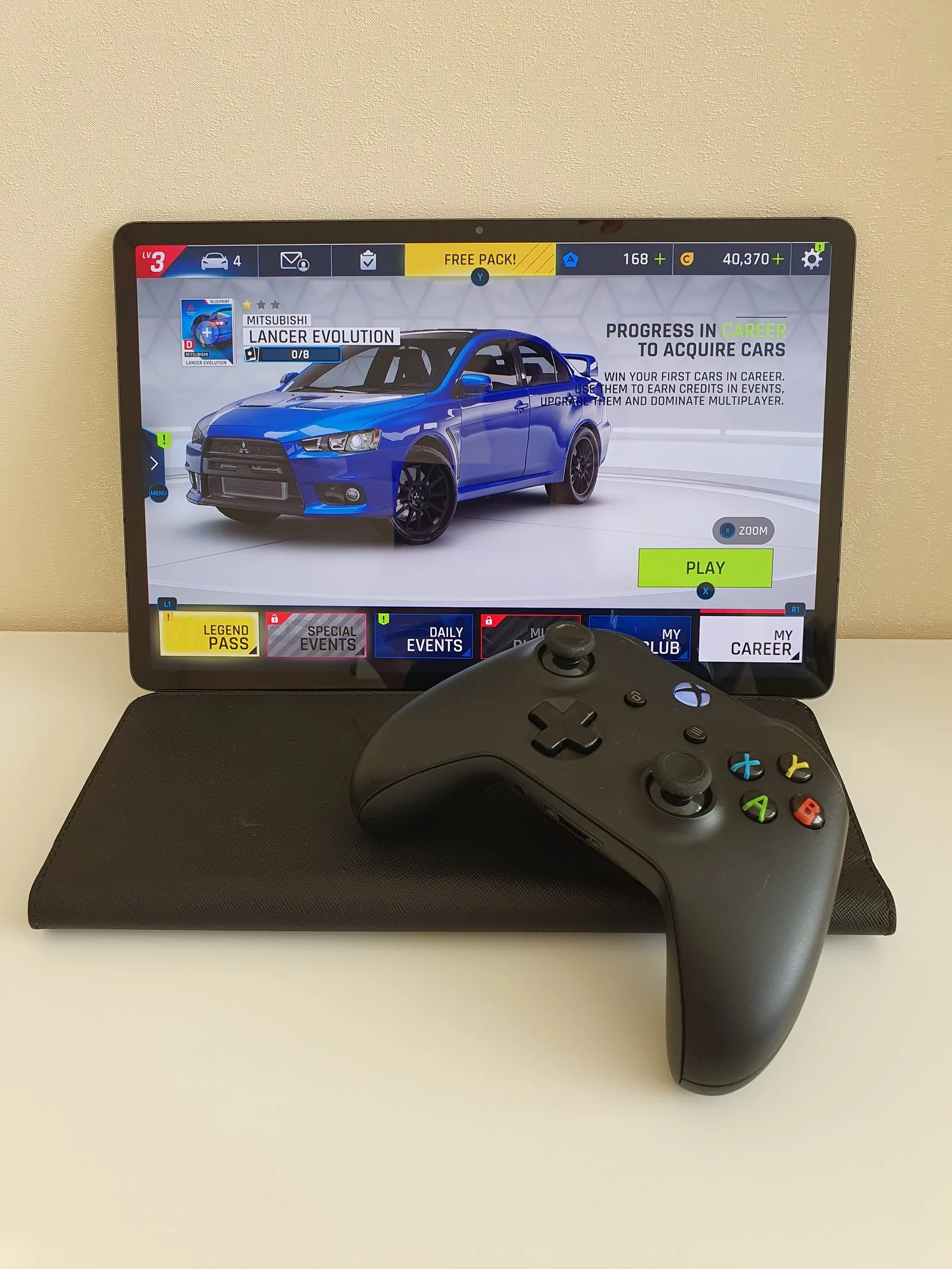
The Galaxy Tab S7+ is well suited to games such as PUBG Mobile, Fortnite and Asphalt 9. In all my testing the tablet never once froze.
Samsung DeX mode
Samsung DeX turns the Galaxy Tab S7+ into a laptop. DeX closely resembles the Windows 8 operating system. It genuinely makes work easier — editing text files and photos, browsing the web or even joining a video call is more comfortable. Multitasking is very convenient, since you can open several apps at once.
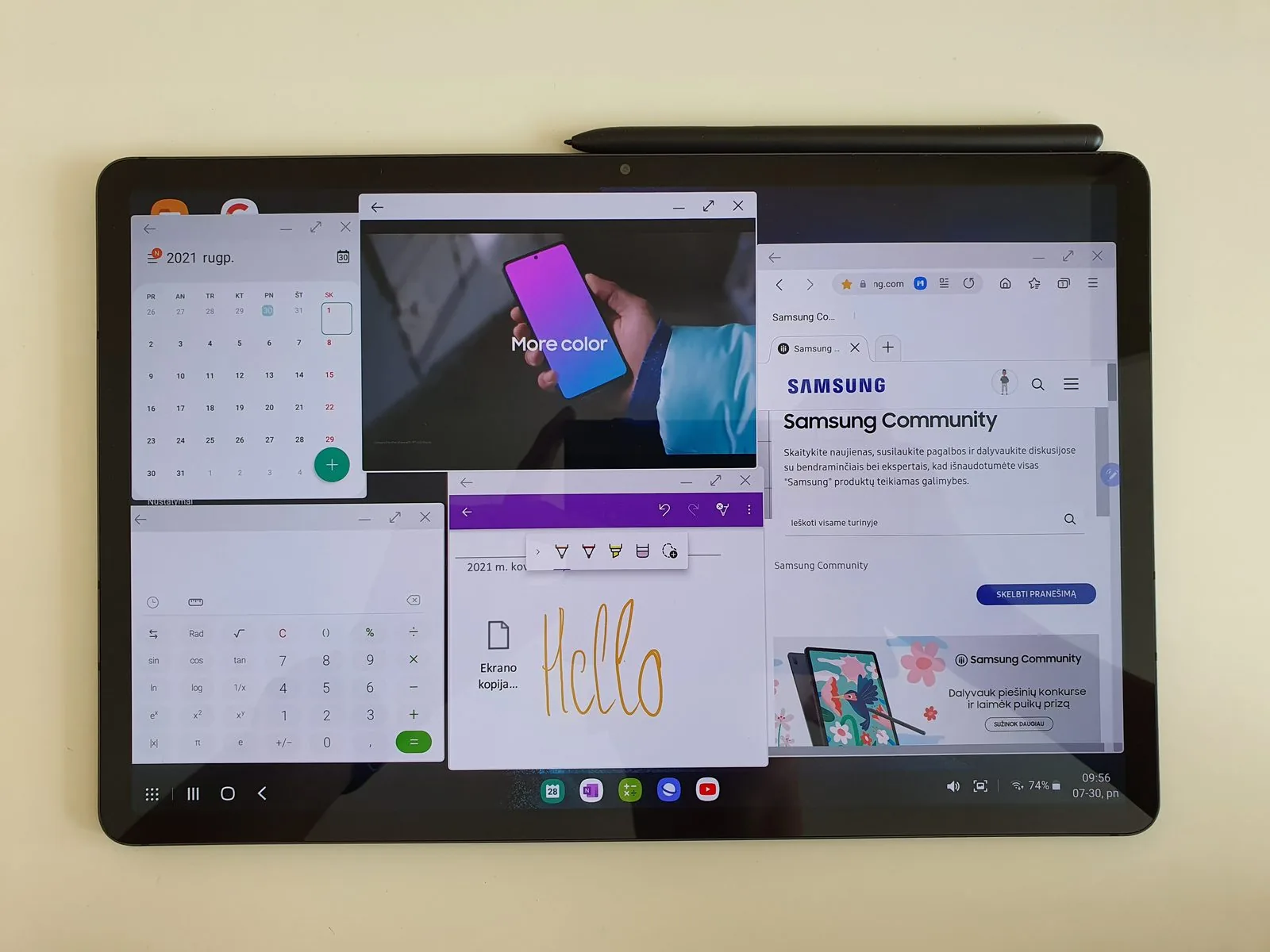
The only DeX drawbacks: unoptimised apps — only Samsung’s own apps work flawlessly — and the awkward My Files app. Samsung could build something closer to Windows’ File Explorer.
Camera
Tablets never have particularly good photo and video quality, and the Galaxy Tab S7+ is no exception. It has two cameras: a main 13 MP / F2.0 and an ultra-wide 5 MP / F2.2. The Camera app has Galaxy flagship features such as Single Take, Night mode, Scene optimiser, AR Doodle and so on. Photos are clear but less detailed.
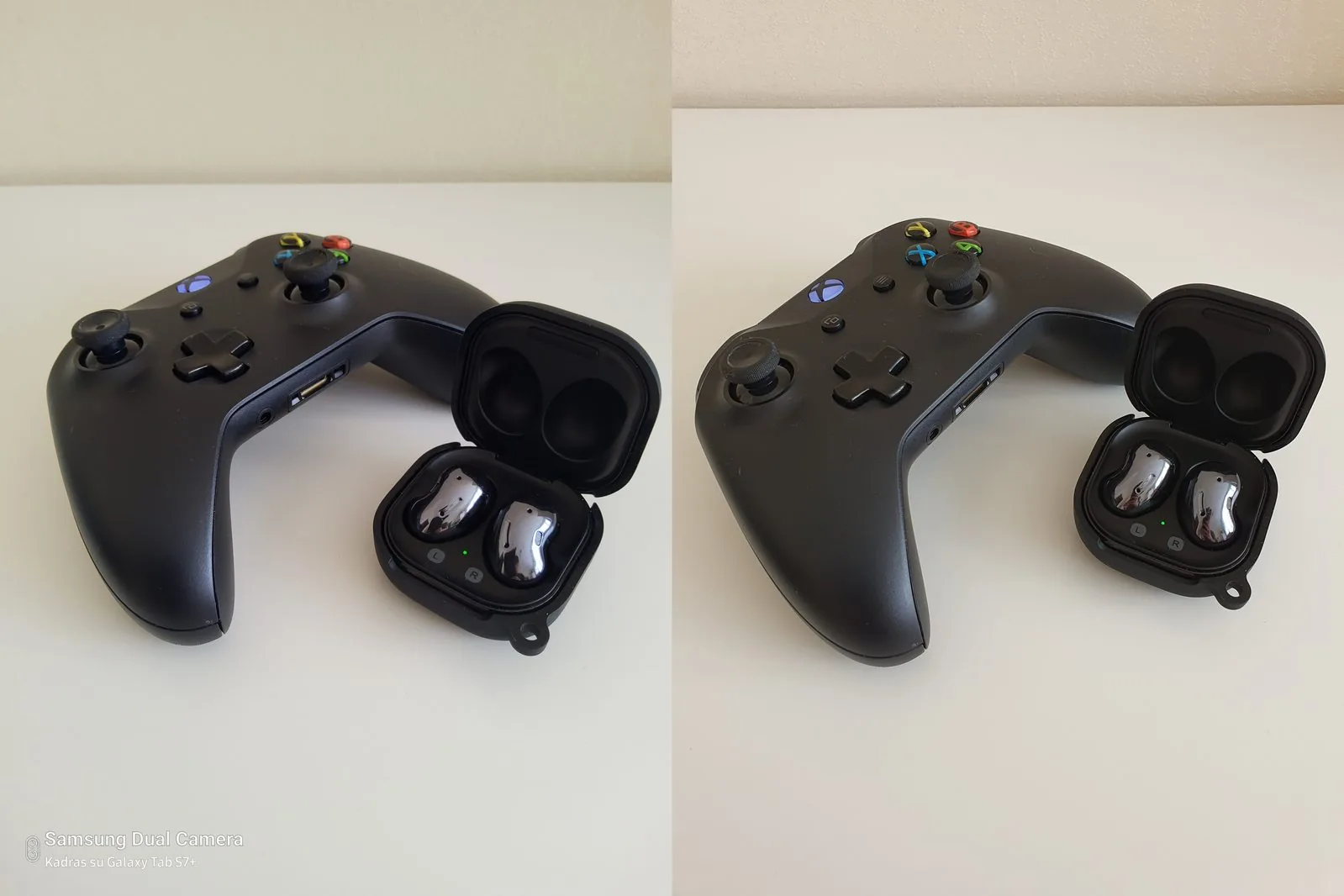
The front camera, however, beats most laptops. It’s an 8 MP / F2.0 camera whose quality is especially useful during video calls.
Can the Galaxy Tab S7+ replace a laptop?
If you use your computer for MS Office, for calls in Zoom or MS Teams and so on, and you want a light device that fits in any backpack, then a tablet can replace a laptop.
But if you use resource-hungry software, edit photos or video, or play games, a laptop unfortunately has more advantages than the Galaxy Tab S7+.
I want to highlight a few pros and cons — where the Galaxy Tab S7+ is better and worse than a laptop.
| Pros | Cons |
|---|---|
|
|
Is the Galaxy Tab S7+ worth buying instead of a laptop?
If you like tablets, want a computer always to hand, want to draw or write with the S Pen, and use simple apps for work and entertainment, then the Galaxy Tab S7+ is a suitable option for you.
But Galaxy Tab S7+ prices start at €819 (samsung.lt), and the Book Cover Keyboard costs another €140 (samsung.lt). For €959 you can buy a powerful laptop that will outperform the tablet several times over.
Summary
Ultimately, the Galaxy Tab S7+ is a perfect tablet. Fast, stutter-free and powerful, it suits work, entertainment, gaming, watching films or simply reading books.
Read next
 15 July 2025
Galaxy Tab S10 FE review
From a student perspective
 23 June 2022
Samsung Galaxy Tab S8 Ultra review
A good deal? | 1 month of use
 11 September 2026
Samsung unveils the Galaxy S26 FE – a Galaxy S for the fans
Prices in Lithuania, a 6.7-inch screen and seven years of updates
Advertisement